


Isolate Sounds, Even Remove Drums from Sample in FL Studio for FREE
Traditional methods of audio source separation often involve complex signal processing techniques and are limited in their ability to accurately separate different sources in a mixed audio recording. However, recent advancements in AI, especially deep learning techniques like neural networks, have significantly improved the accuracy and effectiveness of stem separation.

How to Fade Audio in FL Studio 21
Fading audio clips in FL Studio is a common and important technique used in music production. Fading is the process of gradually increasing or decreasing the volume level of a clip over time. It helps to create smooth transitions between different sections of a song, and can also be used for special effects and to emphasize certain elements of a mix.

Everything About FL Studio Limiter, Compressor And Gate Plugin in One Tutorial
In addition to these parameters, the FL Limiter also includes a gain reduction meter, which displays the amount of gain reduction being applied to the audio signal in real time. This can be useful for visualizing the amount of limiting applied to a track and making adjustments as needed.
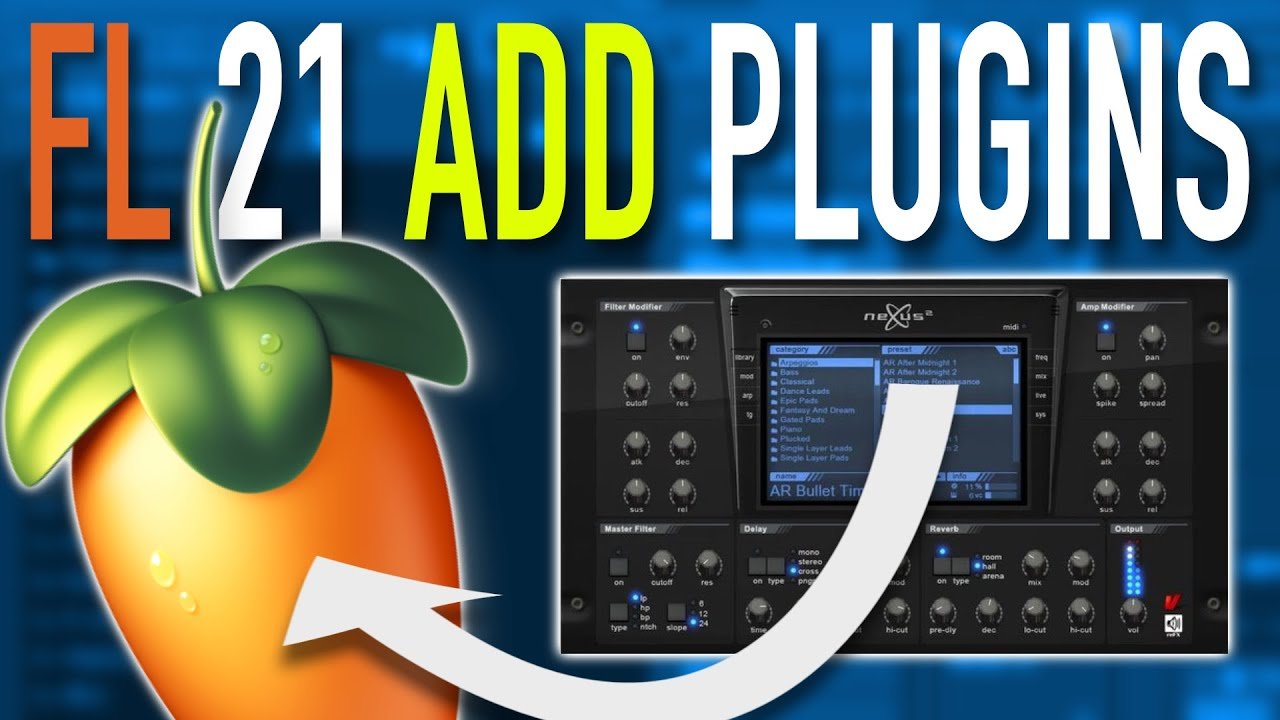
FL Studio Install Plugins : How to Install a VST in FL Studio 21
Once the plugin is downloaded, it will need to be installed on your computer. This typically involves running the installer file and following the on-screen instructions. Make sure to install the plugin in a location that is easy to find, such as your "Program Files" folder.