
Level up your bass sound design
to something that stands out
★★★★☆ Rated 4.7/5
by over 10,000 studentsLearn everything you need to break out some tearing bass sound, create sounds you love and them ready to show to the world.
😤 - Take away the stress of not knowing how to make sounds
🎛️ - Create bass sound that your happy to use
🙌 - Feel like you learned a new skill you can use regularly
“I thought I was a kind of seasoned user but this is what even I needed!” - Benjamin
⭐️⭐️⭐️⭐️⭐️

Lifetime Access to Xfer Serum Bass Design Course
🔒100% SSL Secured Payment SystemWhy Use Serum?
Using the serum synth for sound design for edm might sound like a hard process. But with an understanding of the key sound design elements for EDM bass I will show you. It becomes far more predictable and simple.
Making a good track sound great, Sometimes just takes 1 signature sound. I bet you can think of a track where 1 sound made the whole thing great.
What we're going to do together in this course is take your from kind of knowing what each tool does in Xfer Serum. To being a master of bass design.
With every aspect explained and multiple techniques broken down, You will be able to go novice bass design to pro
30+ Tutorials
Xfer Serum Patches Included
With each tutorial you also get the patch do you can directly compare your to what was made in the tutorial
Automatic Updates
As more requests for bass sounds and techniques come forward, Get instant access to the new patches and tutorials.
Step 1 🖱️
Click the green “Access Course Now” button
Step 2 ⌨️
Sign up for the Crash Course in Bass Design with Serum course with one payment or a monthly option
Step 3 🎬
Access the course materials immediately and level up your music production sound design
All The Tools You Need To Master Xfer Serum
By the end of this course you will be able to understand fully what each tool does in Xfer Serum. And when and why to use each tool.
You will be able to take your own music to a level where its ready, And even rent out your new skill set for client work as well.
In Xfer Serum Bass Sound Design Crash Course we cover
What the GUI does
All of the tools inside Xfer Serum
How to use tools and techniques to make certain sounds
How to make different bass sounds step by step
How to use modulation in Serum to bring sounds to life
And more
If you're new to using Serum or been here before, There's something here for you as we cover new ground with the latest features available to Xfer Serum, Applying the latest and most modern bass making techniques..
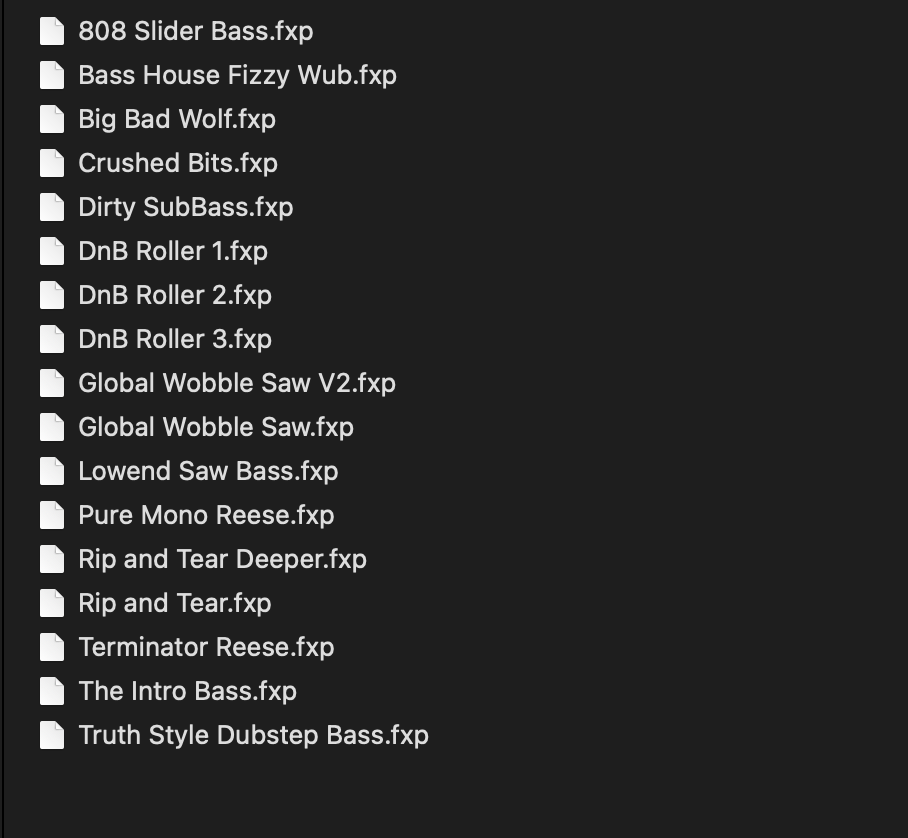
Download the Xfer Serum Presets
Not only does the course have 30+ Deep Dive tutorials on how to design bass sound with Xfer Serum, But all the presets and sounds are included too. So with each tutorial you have the preset to see and understand exactly how to make these bass sounds.
Current Students
-
![Brandon Foltz mastering course review]()
"Once it got going the course was a great introduction for those of us who learn how to use something new...after we bought it. :) Focuses on music which is not my use case, but is applicable to various scenarios. Good overview!".
-
![A portrait of a man with long hair and a beard, dressed in a patterned jacket, against a dark background.]()
"Really great course ! I understand so much more the power of ozone and tonal balance. And now I really want to switch my standard version to the advanced!"
-
![A young man with curly hair sitting in a music studio with equipment behind him, including speakers and a computer.]()
"This course is a perfect match for me. I've been a musician for decades, but didn't know how to record my own ideas well enough. I'm loving the content in this course, and will probably watch it through over and over"
-
![A man wearing a light-colored baseball cap and dark sunglasses, outdoors on a sunny day.]()
"The course is very thorough and getting me around the software! I can't wait to learn more about mastering using the skills I'm learning here"
-
![Logo with the initials 'TR' and the name 'Tim Roberts' underneath, featuring a spherical design with blue, black, and gray colors.]()
"Very good! I'm learning a lot, have a much better understanding of how to use Ozone"
-
![A man with glasses and a beard smiling outdoors in front of a brick wall.]()
"Much appreciated for the introduction to mastering as a whole and with one of the most well known tools in the audio processing toolbox."




Example Videos
Below are two example video, To ensure this is a style of teaching that works for you
Xfer Serum GUI
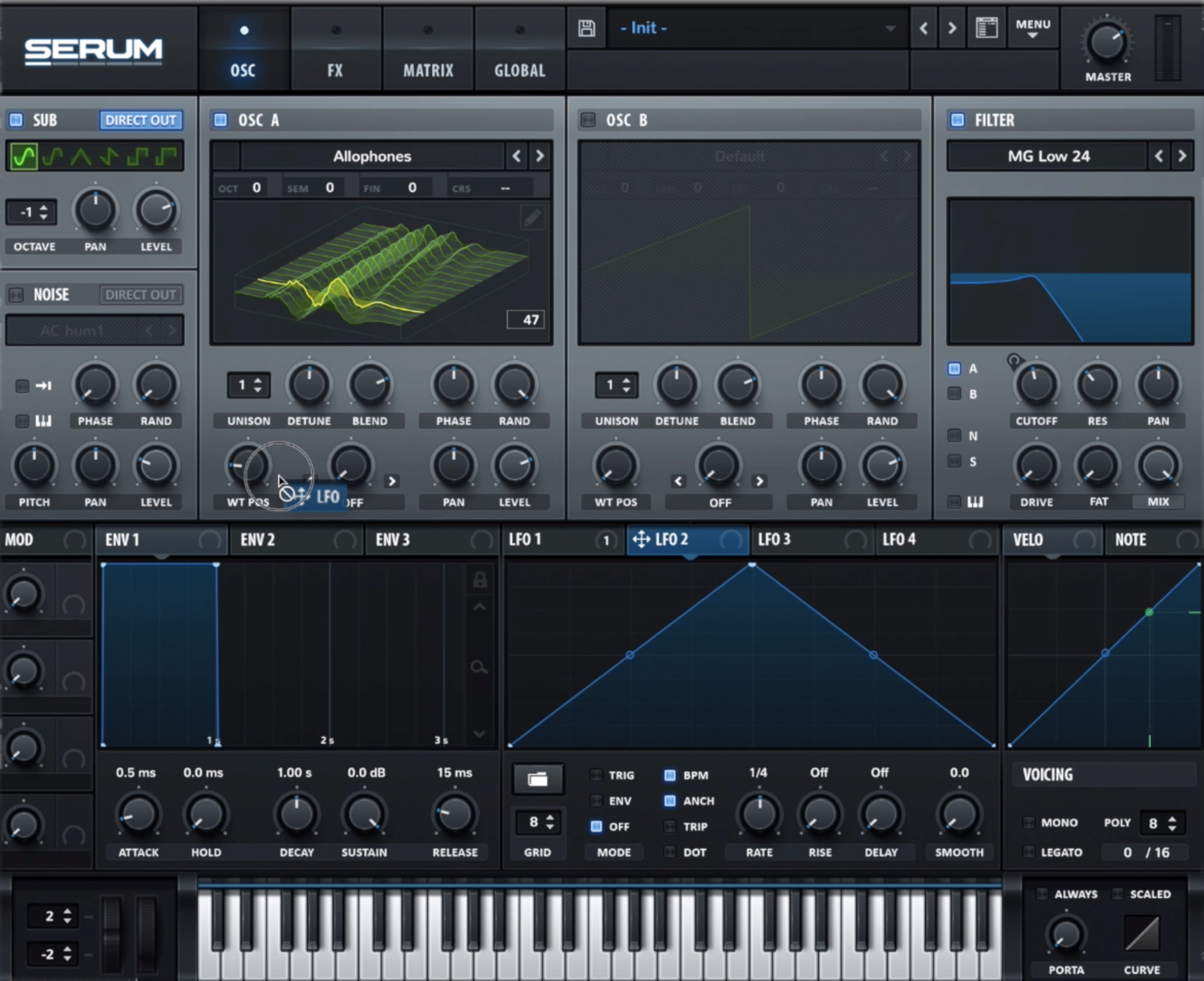
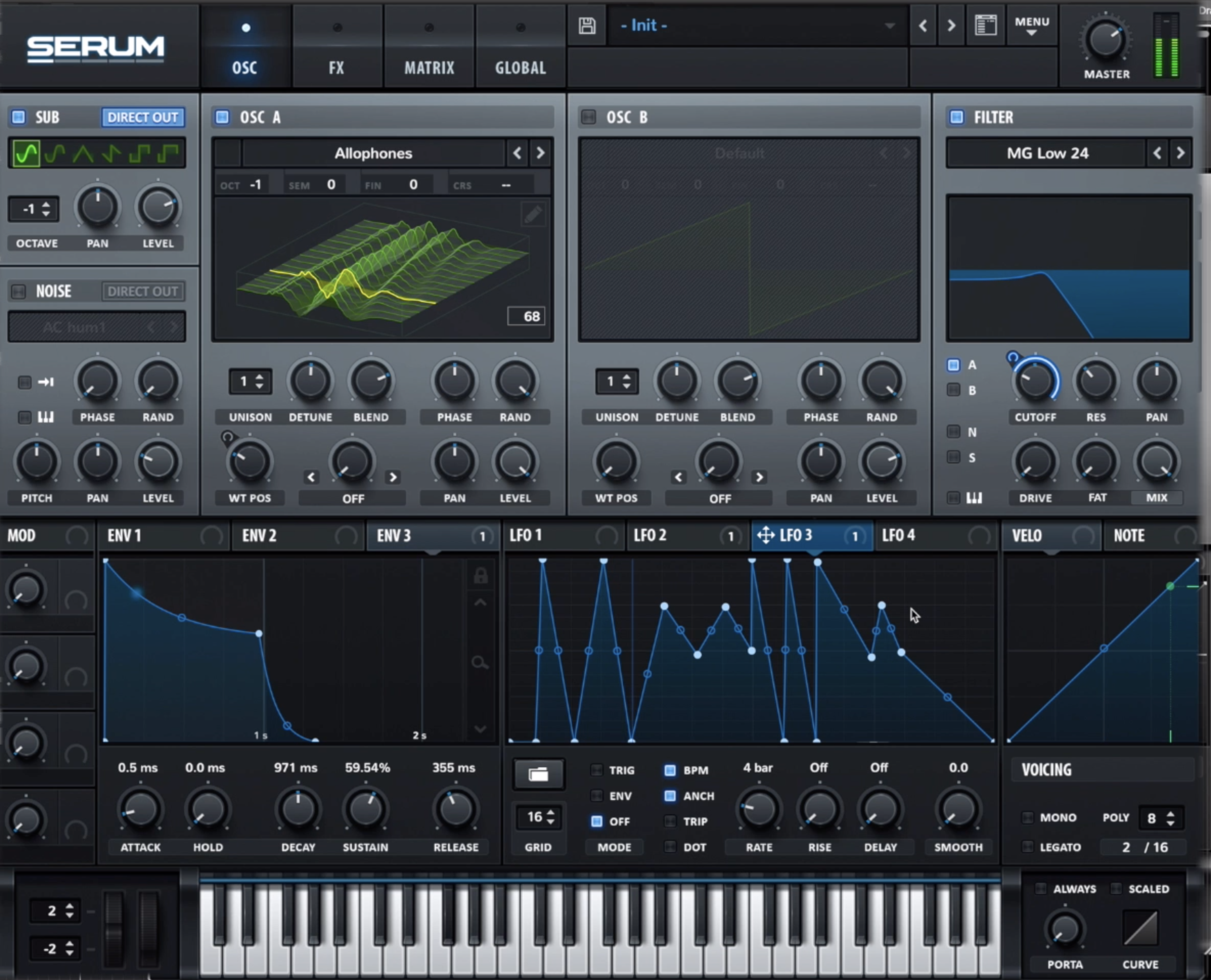
Xfer Serum's GUI features a sleek and intuitive design that facilitates powerful sound design through wavetable synthesis. The main window displays a graphically represented wavetable, allowing users to manipulate waveforms directly. Two oscillators offer a variety of wavetables, pitch controls, and modulation options. Envelopes and filters provide dynamic shaping of the sound over time, and a range of modulation sources like LFOs contribute to intricate modulation possibilities. The effects section allows users to apply diverse audio effects, enhancing the sonic palette. With a global settings section, presets browser, and real-time visualization of parameter changes, Serum's GUI provides a comprehensive and user-friendly environment for creating a wide array of electronic sounds.
"unison" and "mono" refer to two different modes affecting how multiple voices are handled in the synthesizer. Unison mode allows the creation of a thicker and more complex sound by stacking multiple detuned voices for each note played. When unison is activated, each note triggers a set number of slightly detuned copies of the same waveform, resulting in a richer and wider texture. On the other hand, mono mode restricts the synth to play only one note at a time, making it monophonic. In mono mode, playing a new note while another is sustained will typically trigger the new note and cut off the previous one. These two modes provide users with flexibility, allowing them to choose between a lush, wide sound (unison) or a more focused, single-note playback (mono), depending on the desired musical context.
True Unison Mono
Get anytime access to our core collection of classes, workshops, and exclusive content. An new items added.
Don’t Want a Subscription?
Individual course pricing is available with lifetime access
Lifetime Access to Xfer Serum Bass Design Course