


how to use a spectrum analyzer for mixing
e're going to dive deep into the technical aspects of using a spectrum analyzer for mixing.
Firstly, it's important to understand the different types of meters and visualizations available in your DAW. The most common ones include
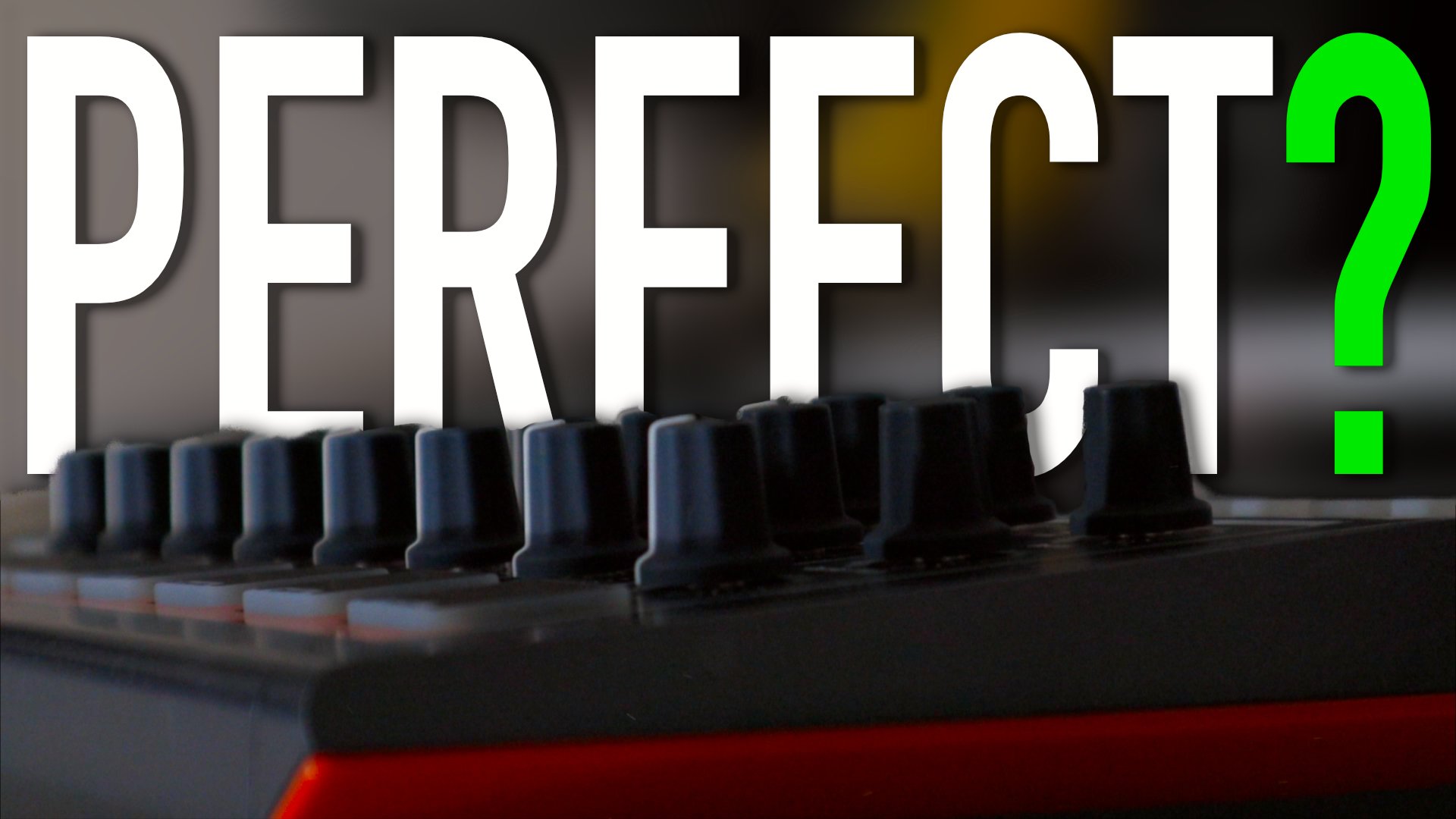
Hands-On Fun and Creativity with the Arturia DrumBrute Impact
The Arturia DrumBrute Impact is a compact, analog drum machine that has quickly become a favorite among music producers and enthusiasts alike. This powerful device offers users an enjoyable and immersive hands-on experience, making it a pleasure to create unique drum patterns and sounds. In an age where digital plugins dominate the music production landscape, the DrumBrute Impact offers a refreshing tactile experience that encourages experimentation and creativity.
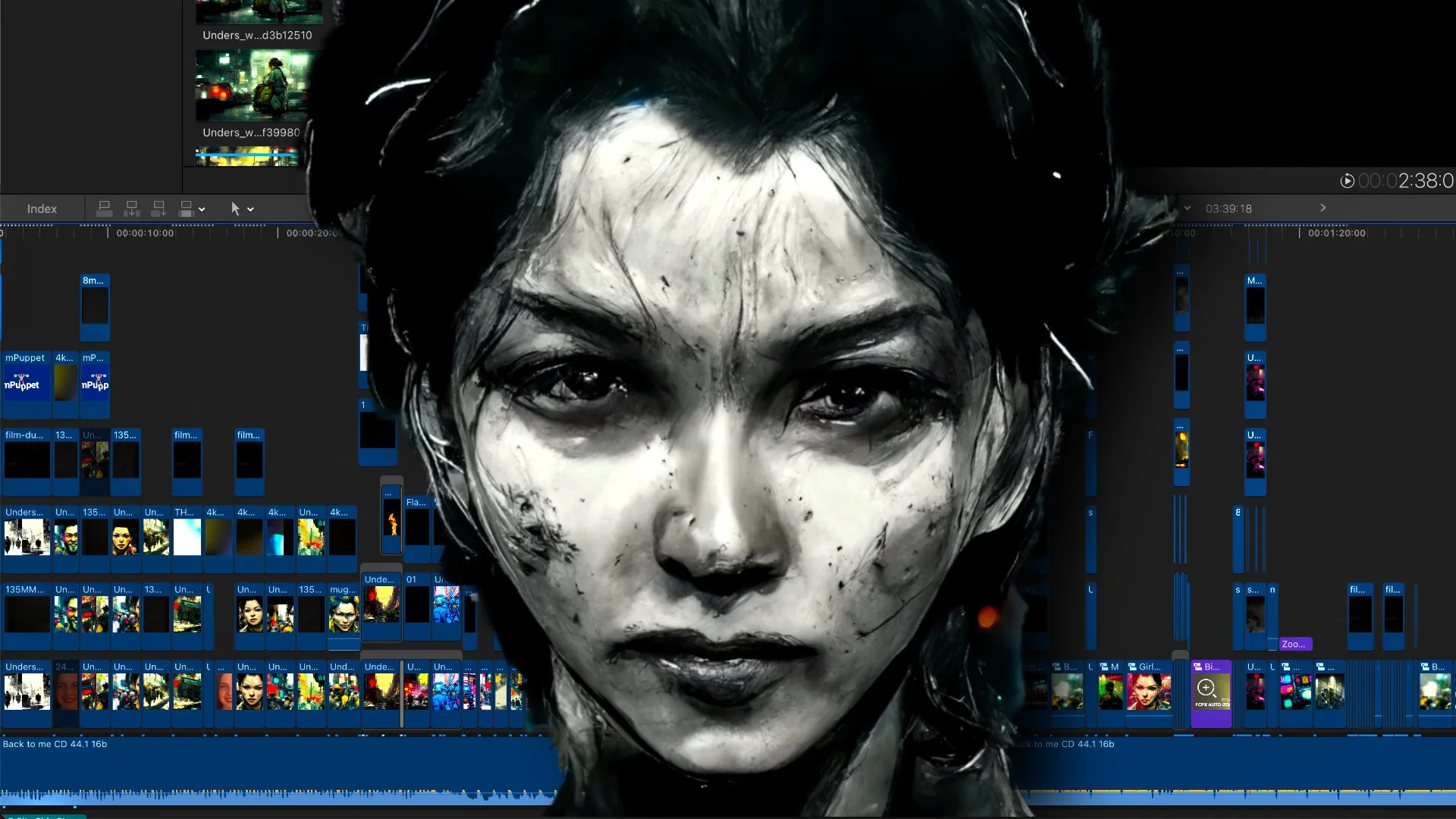
How I Used AI to Make a Music Video By Myself
there were instances where this process didn't work as planned, the artist was able to generate over 1400 environment prompts to create a cohesive and consistent background for the video.
Once the backgrounds and environments were created, the artist used AI-generated images to create characters and people to go in them. They sometimes used the same environment prompts and then used

How to Install Native Instruments on External Hard Drive
Here are the steps to install and run Native Instruments Komplete on an external drive using Native Access:
Connect your external drive to your computer.
Open Native Access, which can be downloaded from the Native Instruments website.
Log in to Native Access using your Native Instruments account credentials.

Liquid Drum and Bass Track Using Sampling in Logic Pro
Liquid drum and bass is a subgenre of drum and bass that emphasizes a smoother, more melodic sound. It's characterized by intricate drum patterns, warm basslines, and atmospheric textures. In this blog post, we'll explore how to create a liquid drum and bass track using sampling in Logic Pro.

Bass Enhancement Plugins for Sub-bass Synthesis
Adding bass to your samples can make a huge difference in the impact and weight of your tracks. While there is a built-in option in Logic to add bass, third-party tools such as Submarine and Rbass by Waves Audio can do a much better job. In this blog post, we will explore how to use these tools to enhance your samples and create a powerful bass sound.
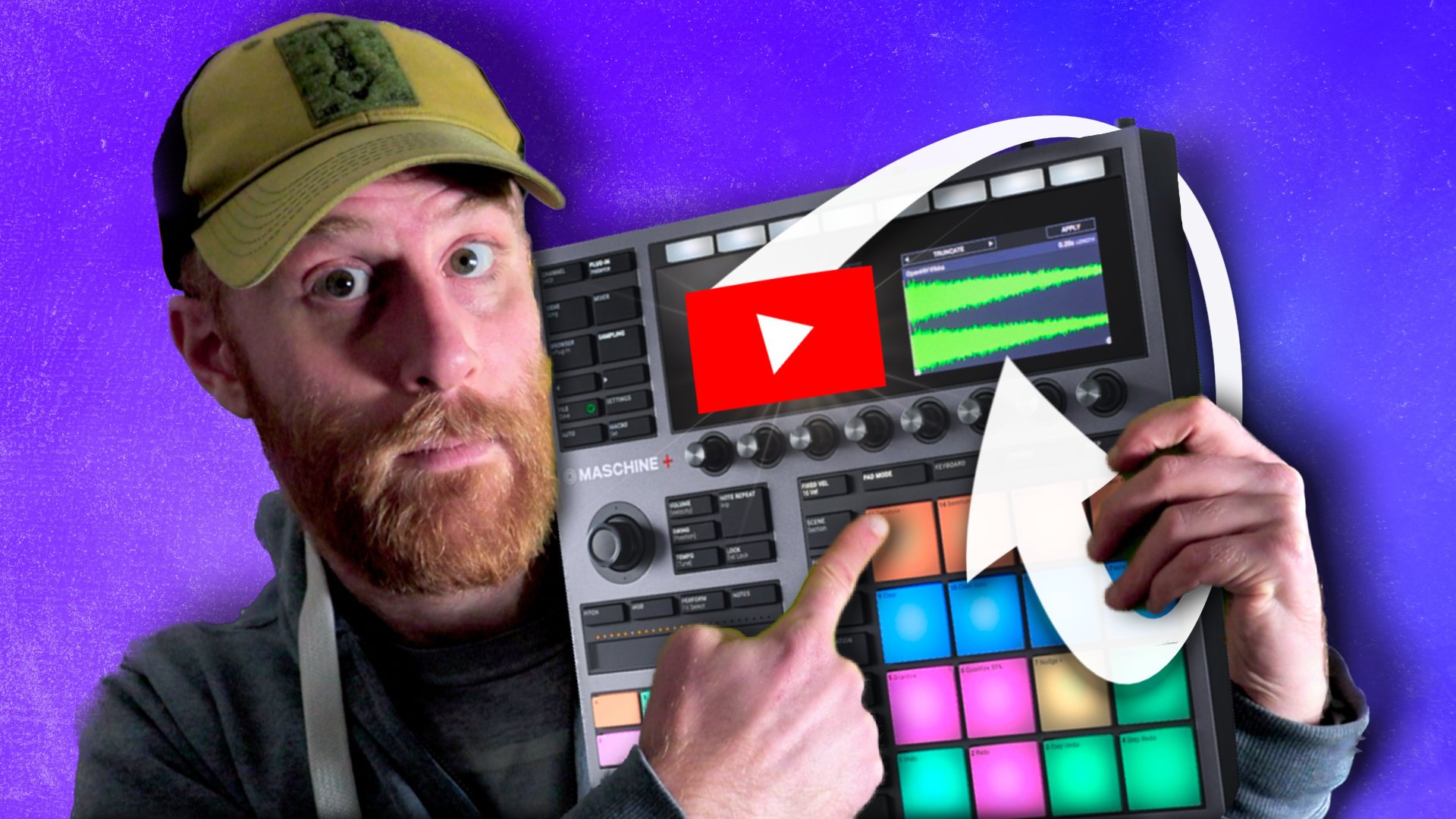
Sampling From Youtube in Maschine Plus
Open Native Instruments Maschine and create a new project or open an existing one.
Create a new audio track in Maschine by clicking the "Add Track" button and selecting "Audio".

How Good is AI Mastering Now?
unlimited masters and offers users the ability to adjust and tweak the final product to their liking. However, despite the affordability and convenience of AI mastering, it's important to note that the human element is lost, which can be crucial in achieving the desired artistic outcome.
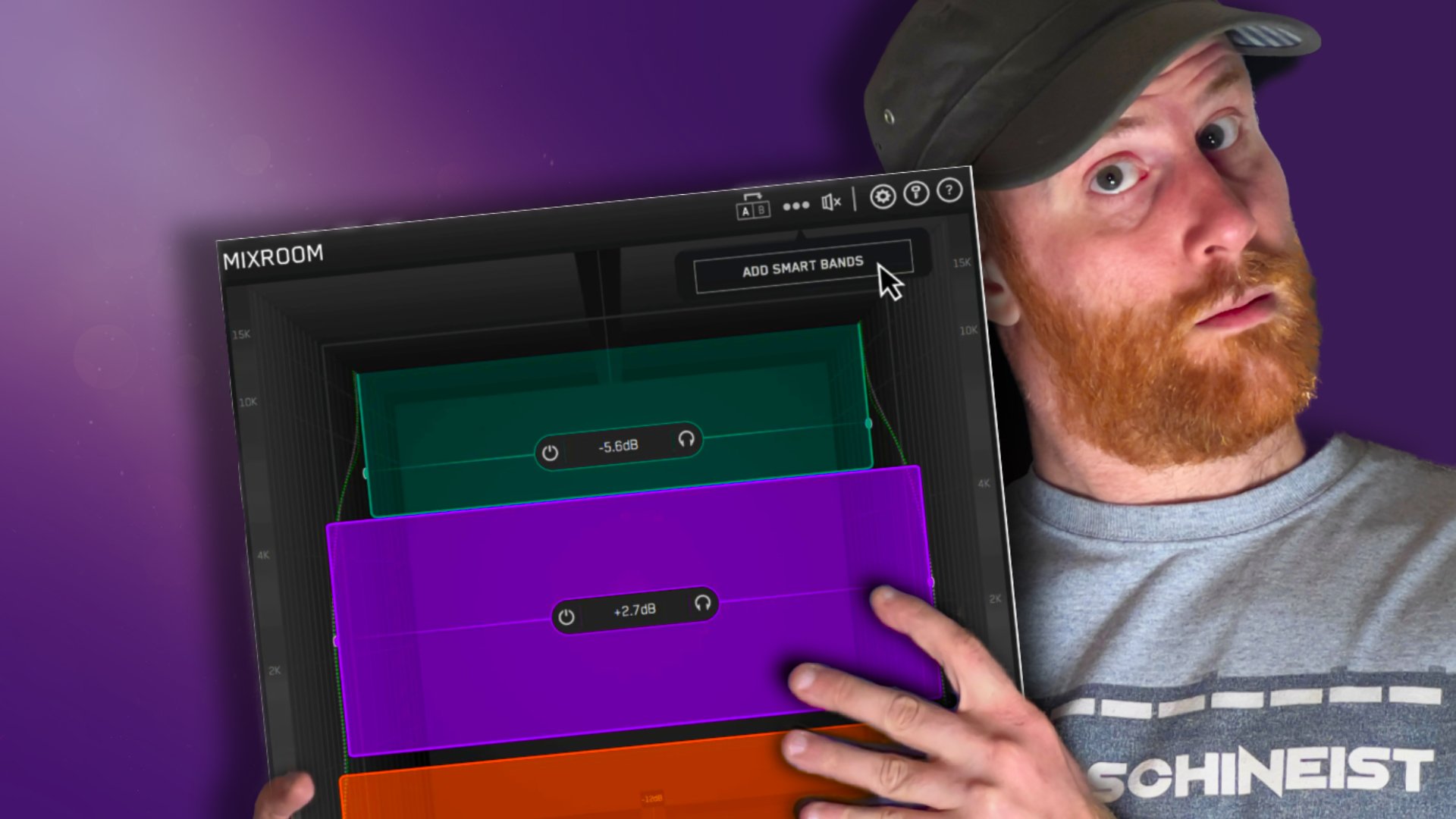
Mastering the Mix - MixRoom is a New Way to EQ
Mixroom is a powerful audio plugin designed for music producers and engineers to help balance their mixes quickly and easily. It offers a unique approach to EQ that makes it a valuable tool for any audio professional.
One of the most notable features of Mixroom is its intuitive interface, which offers a vertical representation of audio frequency. This allows for a more natural and intuitive way of visualizing and adjusting audio frequencies. Unlike traditional EQ plugins that use a left-to-right interface to adjust frequencies, Mixroom offers a top-to-bottom approach, with low frequency at the bottom and high frequency at the top.
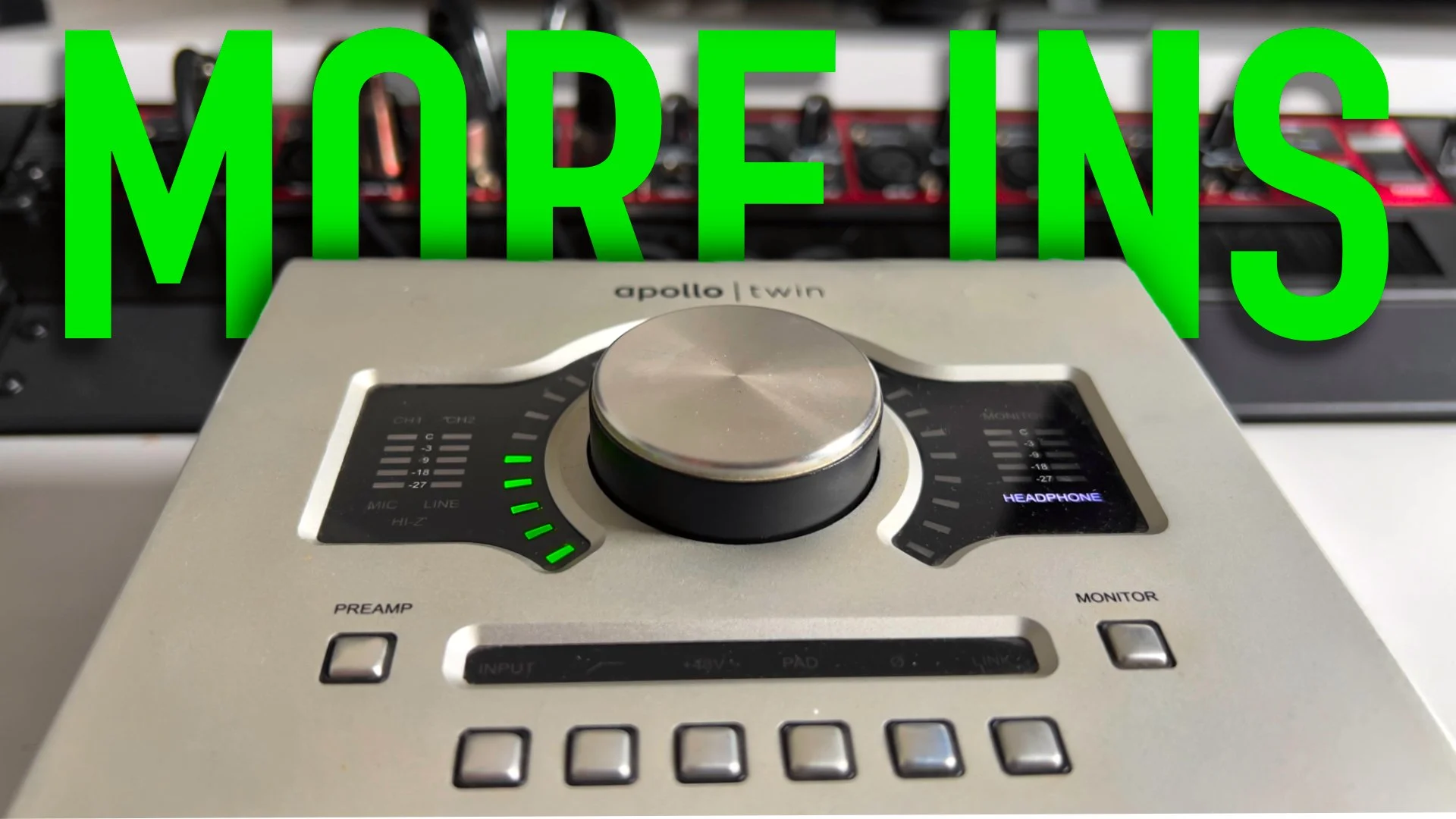
Connecting two audio interfaces via ADAT?
If your audio interface has a digital input, you can connect it to a digital interface like the Behringer ADA8200. This will allow you to add up to eight additional inputs to your setup. Digital interfaces are often more affordable than upgrading to a higher-end audio interface. However, it's important to note that using a digital interface can add some latency to your signal, so it may not be the best option for recording live performances.
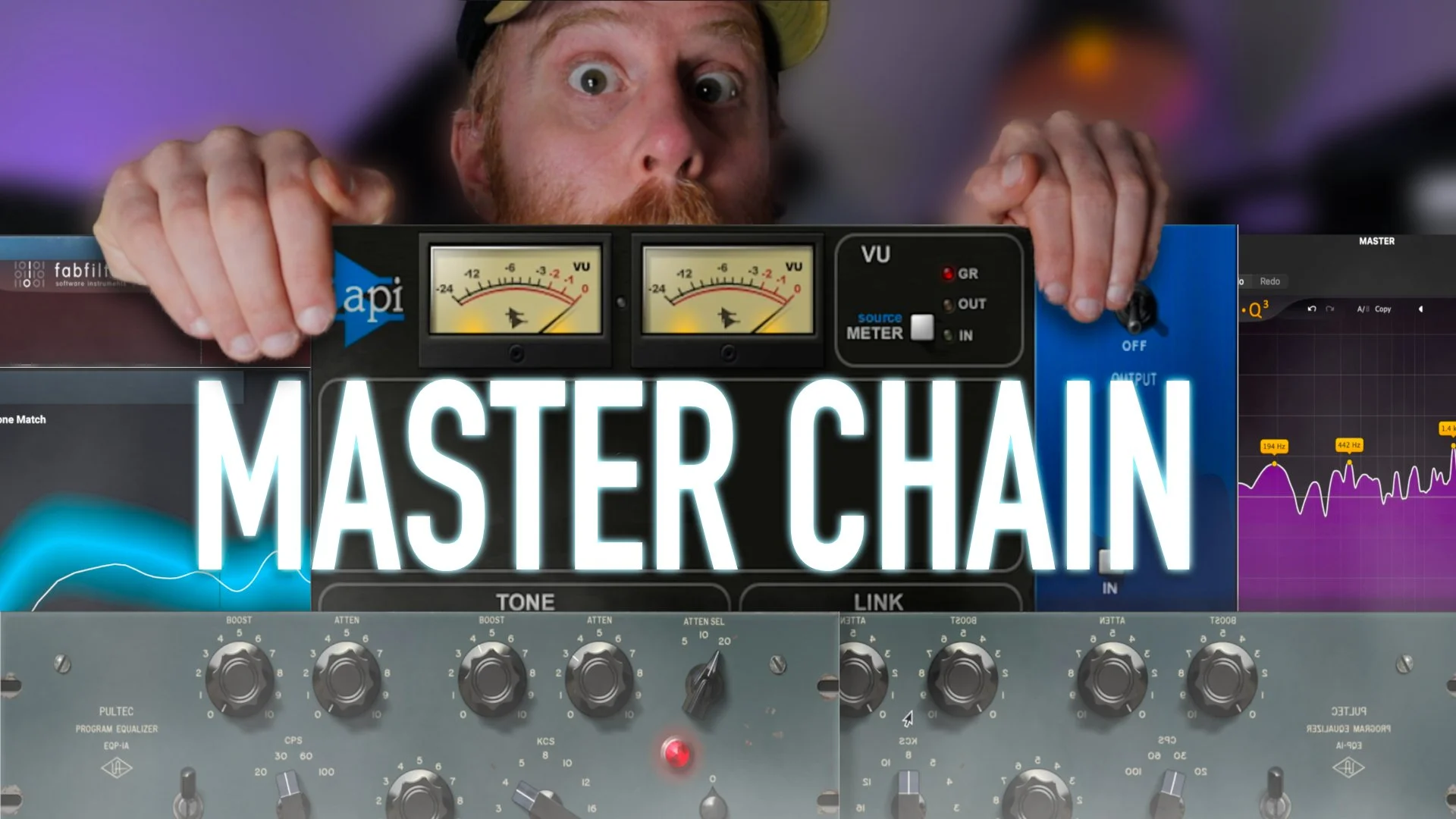
Best Plugins to Use for Mastering Chain
Zotope Ozone 10 is a professional audio mastering plugin that provides a suite of tools for mastering music tracks. There are several reasons why you might want to use iZotope Ozone 10:

How to Fade Audio in FL Studio 21
Fading audio clips in FL Studio is a common and important technique used in music production. Fading is the process of gradually increasing or decreasing the volume level of a clip over time. It helps to create smooth transitions between different sections of a song, and can also be used for special effects and to emphasize certain elements of a mix.
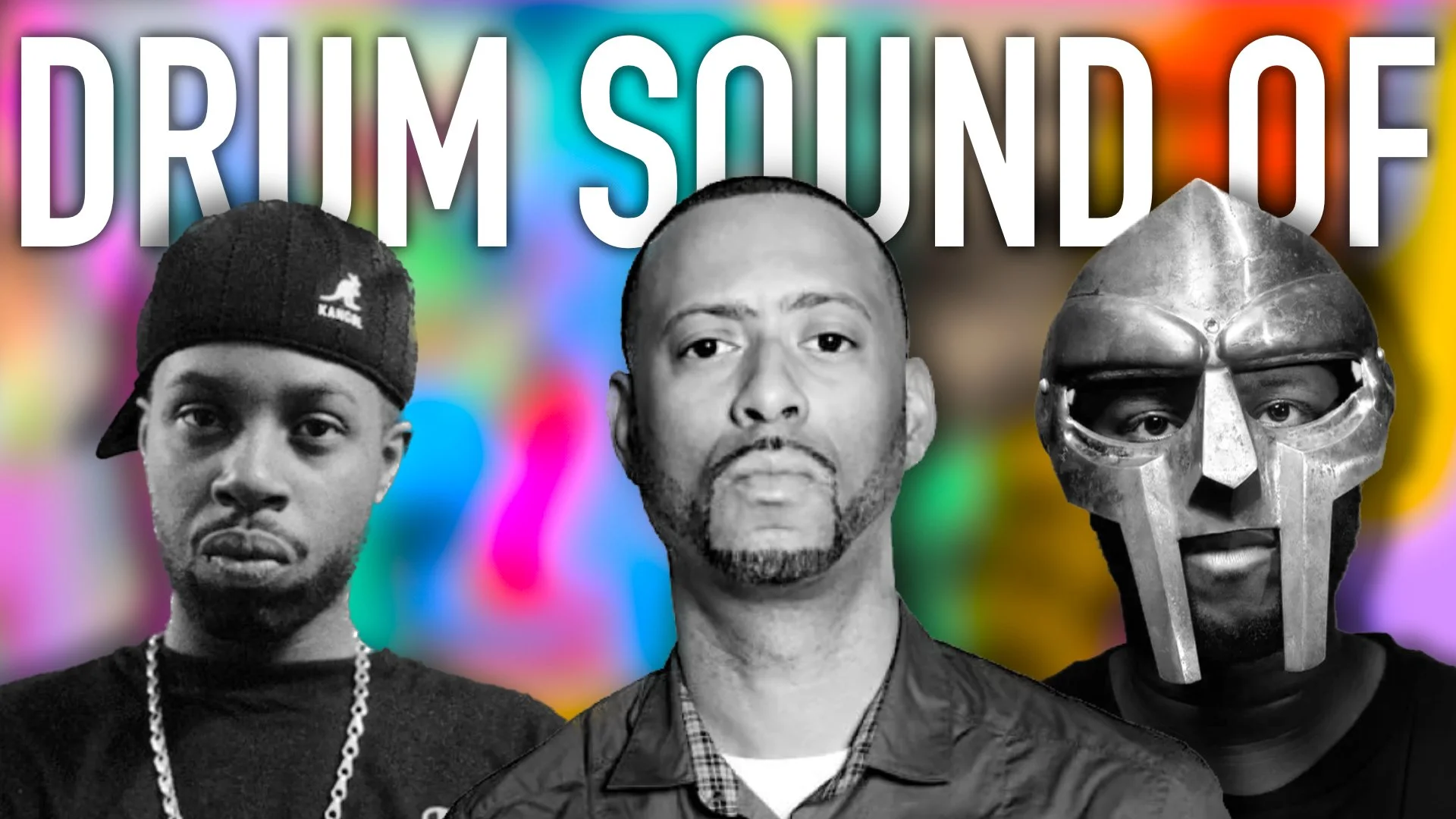
KARRIEM RIGGINS DRUMS Reviewed
First off, one of the things that immediately caught my attention is how user-friendly Foreign is. It's compatible with Complete Control, which means that you can load it up easily and get started right away. There are plenty of drum kits to choose from, and the loops and one-shots are laid out in a way that makes them easy to access and use. The loops are colored purple on the NKS, while the one-shots are located on the lower octave. This makes it easy to mix and match samples to create your desired sound.

Can You Really Master Music With Ozone 10?
One of the most important tools in iZotope Ozone is the EQ. The EQ allows you to adjust the levels of different frequencies in the mix. This can be used to bring out certain elements in the mix, such as the vocals or the drums, or to reduce unwanted frequencies, such as noise or mud. When using the EQ, it's important to use it sparingly and to listen to the mix as a whole, rather than focusing on individual elements.

Everything About FL Studio Limiter, Compressor And Gate Plugin in One Tutorial
In addition to these parameters, the FL Limiter also includes a gain reduction meter, which displays the amount of gain reduction being applied to the audio signal in real time. This can be useful for visualizing the amount of limiting applied to a track and making adjustments as needed.

Can You Bulk Edit YouTube Description
Updating video descriptions on YouTube can be time-consuming because it requires careful attention to detail and a thoughtful approach. Writing a good video description takes time, as it must be clear, concise, and informative. Additionally, research may be needed to include relevant keywords that will help the video rank higher in search results. Furthermore, if you have a large number of videos, updating the descriptions of each one individually can be a tedious process. Additionally, if you want to make bulk updates, you will need to use a tool like TubeBuddy which also require time to set up and learn how to use. Moreover, it can also require time to proofread and check for errors before saving the changes. All these steps can add up and make the process of updating video descriptions on YouTube a time-consuming task

How to Make Liquid DnB Drums Breaks
Building a break in music production is the foundation for creating a solid and groovy beat. It all starts with just four sounds: a kick, a snare, a hi-hat or any piece of percussion, and a shuffle

Is Musicvertising Legit - Music Promotional Scams Everywhere!
Music promotion services that sell Spotify plays are scams. These services claim to be able to increase the number of plays on your Spotify tracks, but in reality, they are using fake or bot accounts to artificially inflate the numbers. Not only is this unethical, but it can also get your account banned from Spotify.
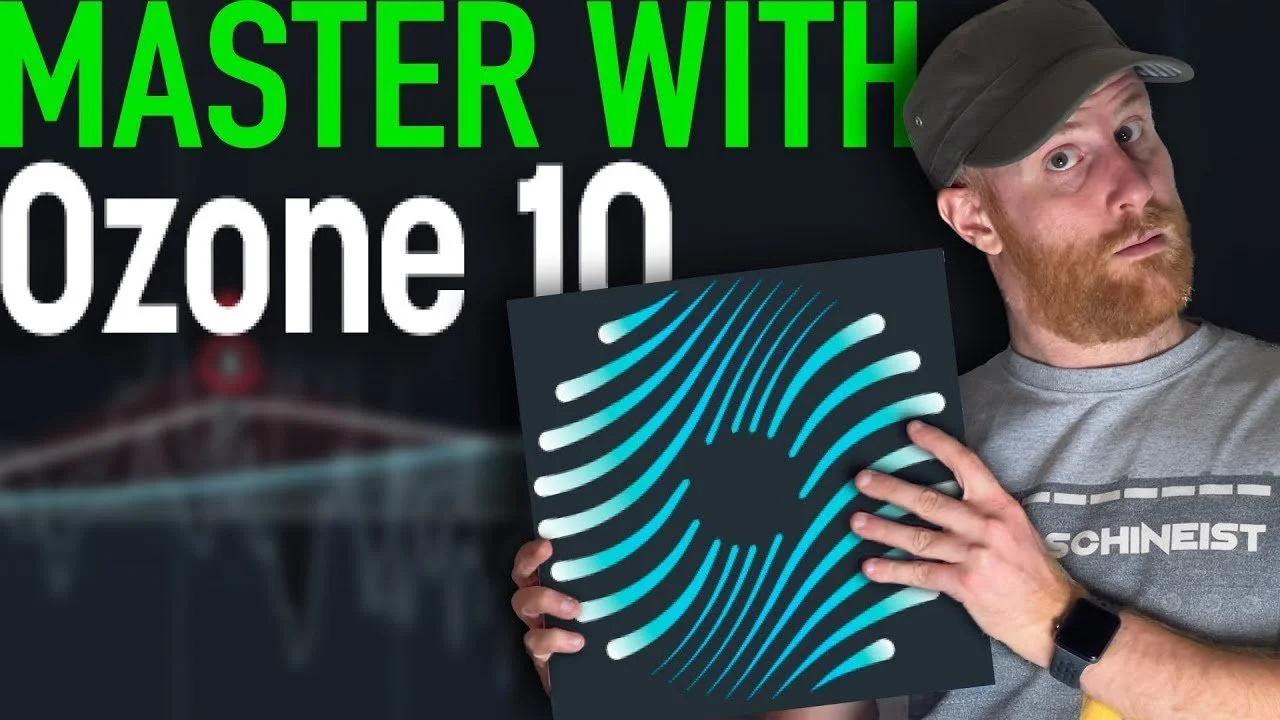
How to Master A Track With Ozone 10
iZotope Ozone is a powerful software suite that offers a wide range of tools for mastering audio tracks. It is designed for professional audio engineers and music producers, as well as home studio enthusiasts

How To Get More Plays on Soundcloud
How To Get More Plays on Soundcloud Optimize your profile: Make sure your profile is complete and includes a clear bio, profile picture, and links to your other social media accounts. This will help potential listeners find you and learn more about you.